
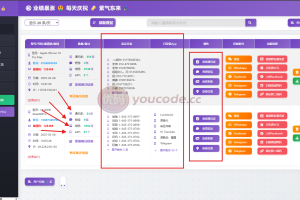
Installation tutorial:
Both Android and Apple APP packaging use the HBuilder X tool
Just import the project into HBuilder X and modify the configuration domain name to your backend domain name.
Backend setup:
1. Upload the source code and database to the Pagoda site
2. Modify the database configuration information file: /.env
3. Change the website directory-running directory-in the site to /public
4. Pseudo-static selection thinkphp
5. Backend login address: http://your domain name/htadmin.php
Last login account password: admin/123456

Notice: Unless otherwise stated, all content on this site is originally published here. Copying, scraping, or republishing it on any website, book, or other media without permission is prohibited. If any content infringes your rights, please contact us.
