
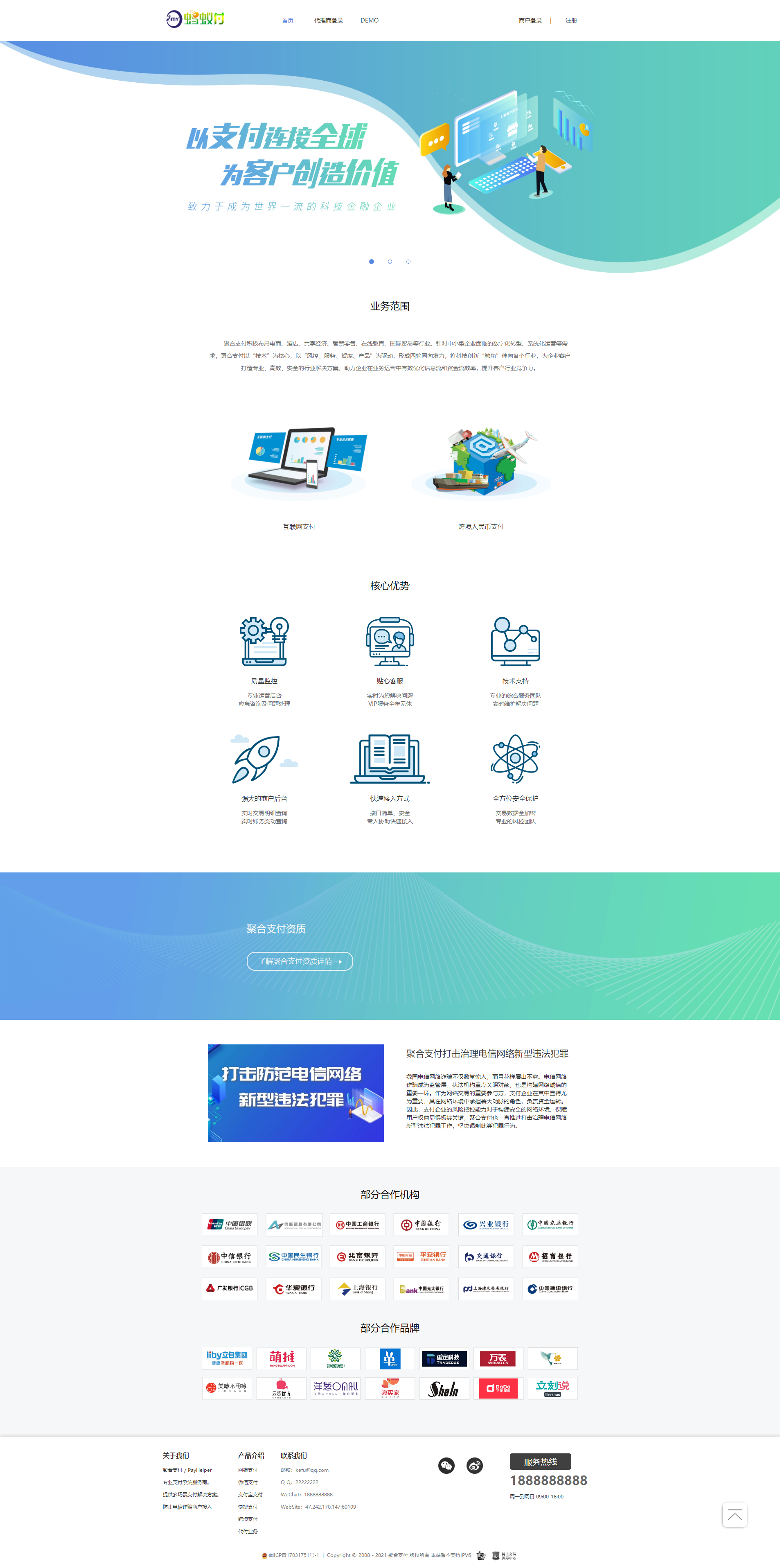
2022 Newly Repaired Second Edition Four-Party Aggregated Payment System/Agency Payment System/Three-Party Payment System
1. Payment types can include H5, face-to-face payment, official account, scan code, UnionPay, and express;
2. Settlement types include ordinary settlement, payment settlement and manual settlement;
3. Fengkong restrictions: polling, IP restrictions, amount limits, total amount of the day, etc.;
4. Complete bill statistics;
5. Documents are divided into online documents and downloadable document compressed packages;
[Application Scenario] As a third-party and four-party payment platform. All the functions are available.
It can be connected to the official interface of WeChat Alipay, third-party payment interface, contract-free interface, WeChat public account payment, Alipay face-to-face payment, other four-party payment systems, running score systems, etc. It can be multi-channel rotation training, and multiple rules can be set for a single account.
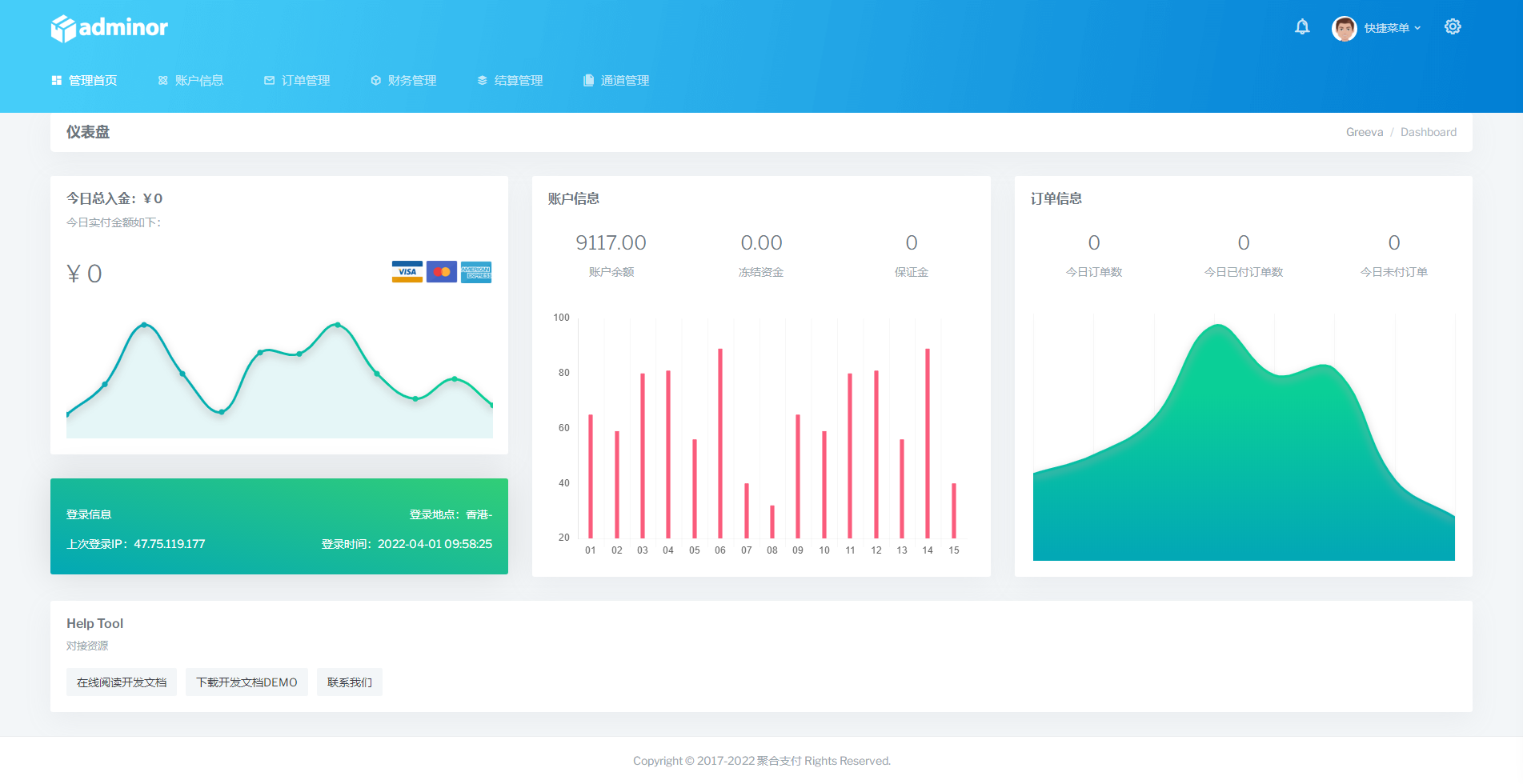
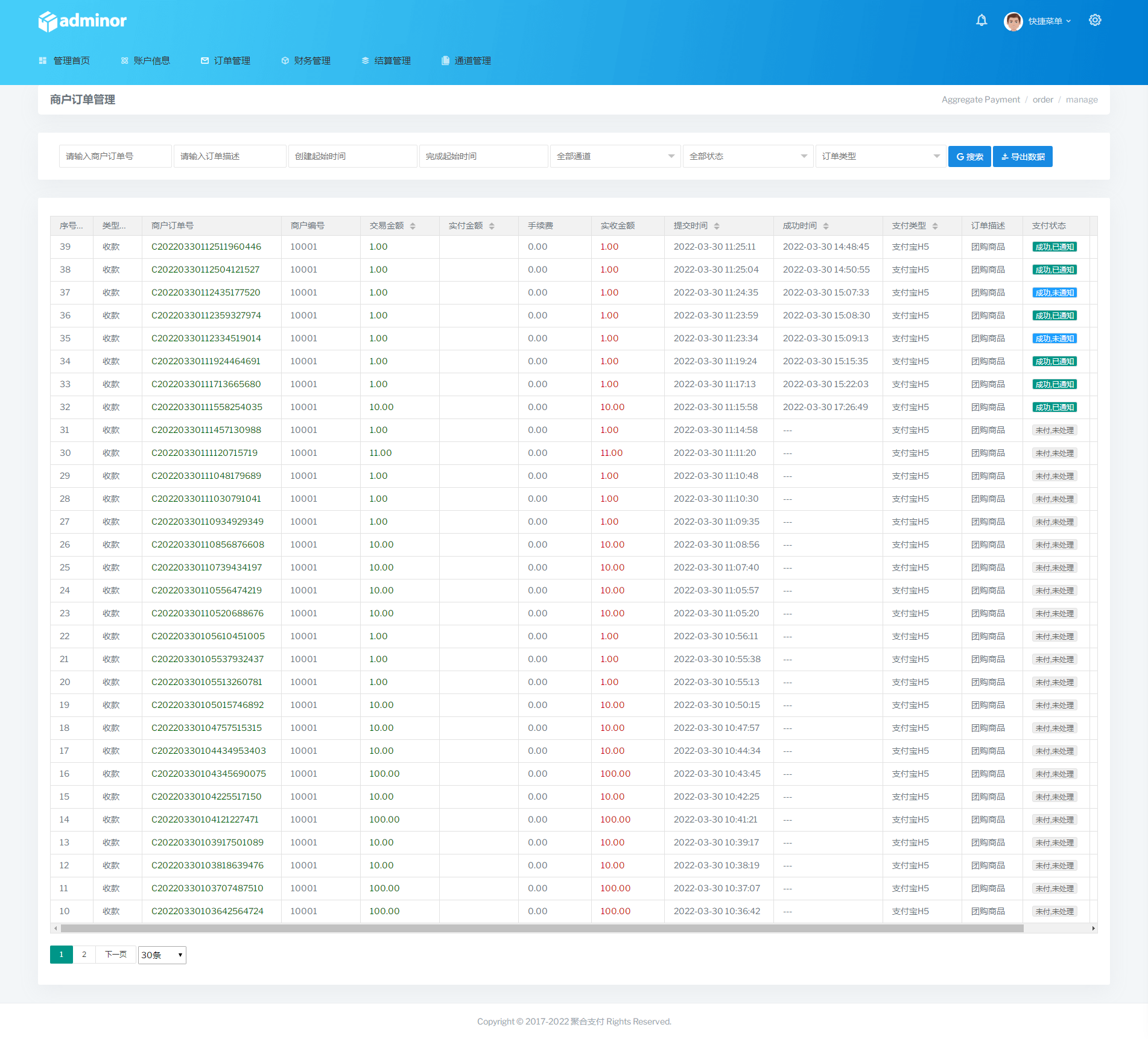
[Account type] The system backend has multiple types of administrators, merchant agents, ordinary merchants, and interface users; the related data statistics for different backends used are complete and effective.
2022 update introduction:
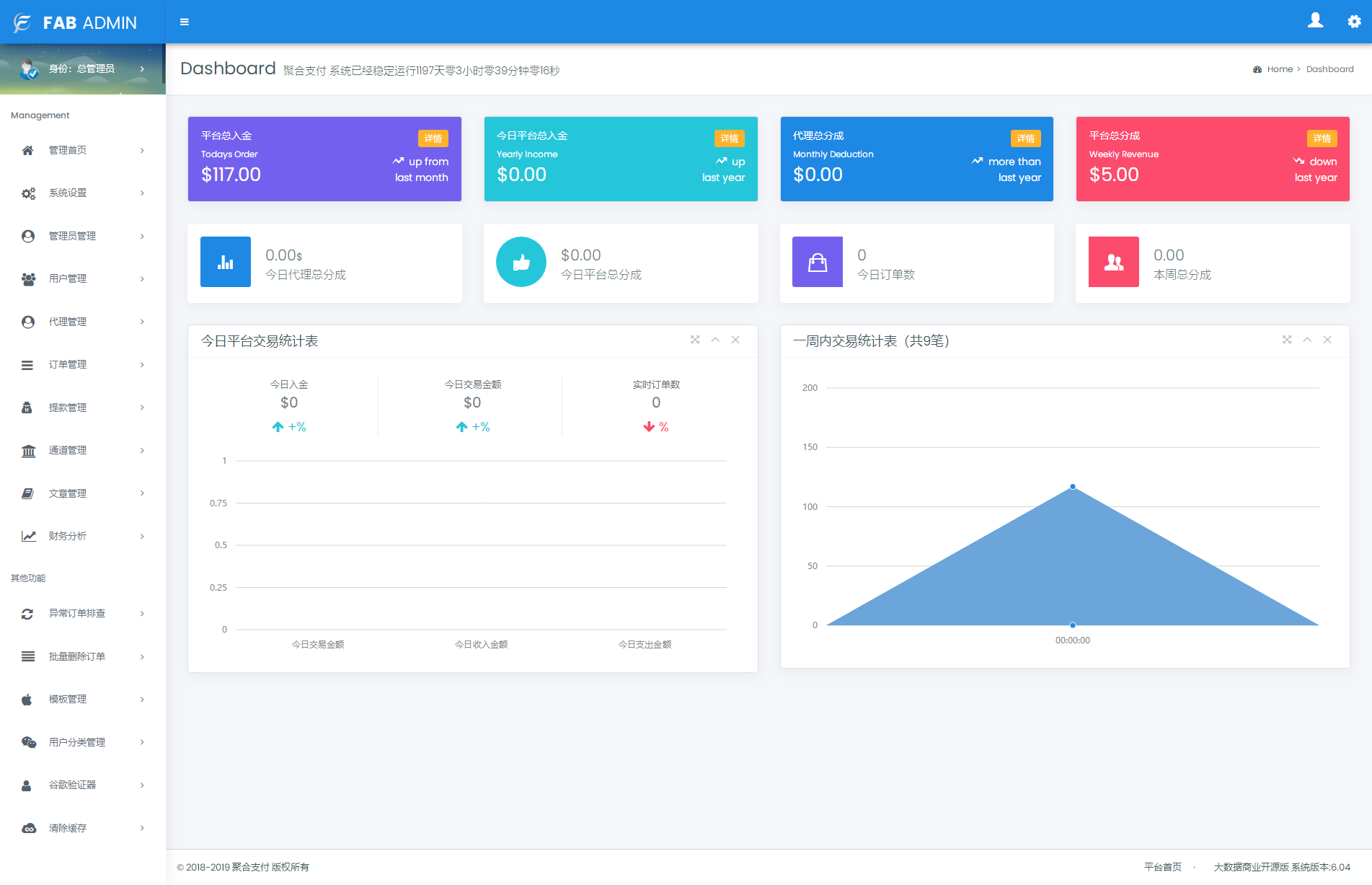
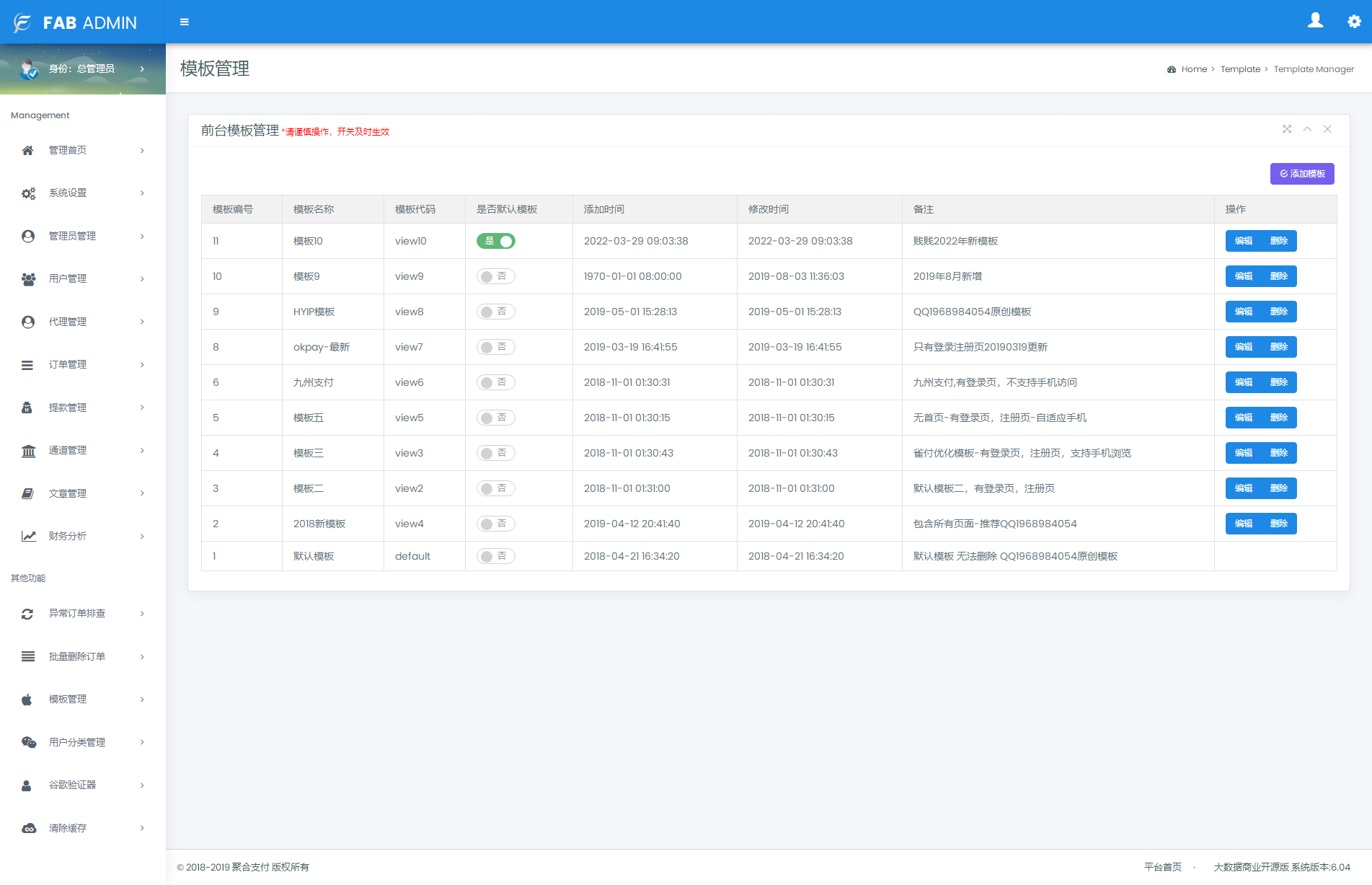
- The unique design style of the new system UI makes your system stand out. You can experience it by selecting template No. 10 in the background template management.
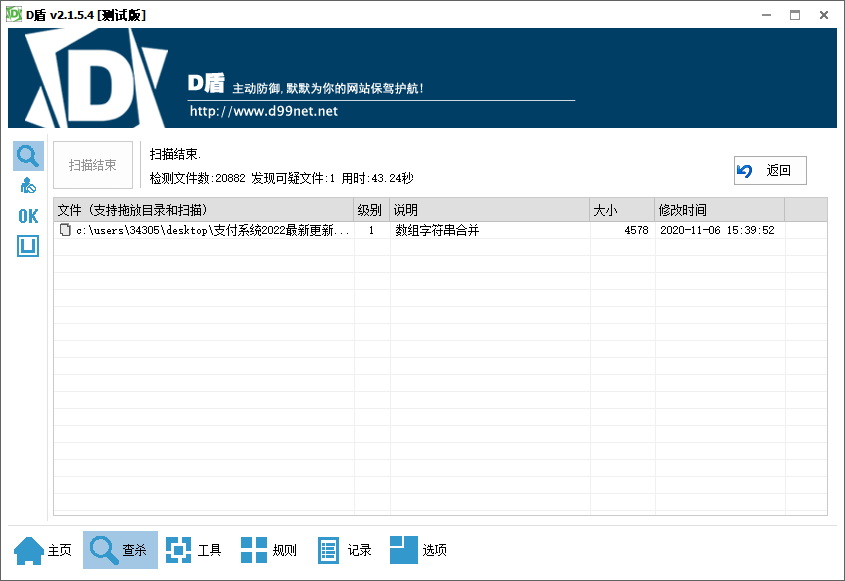
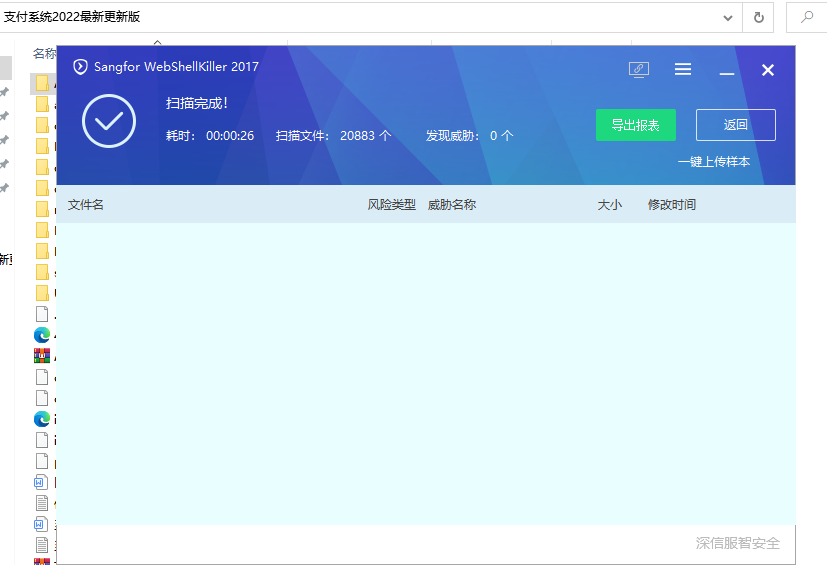
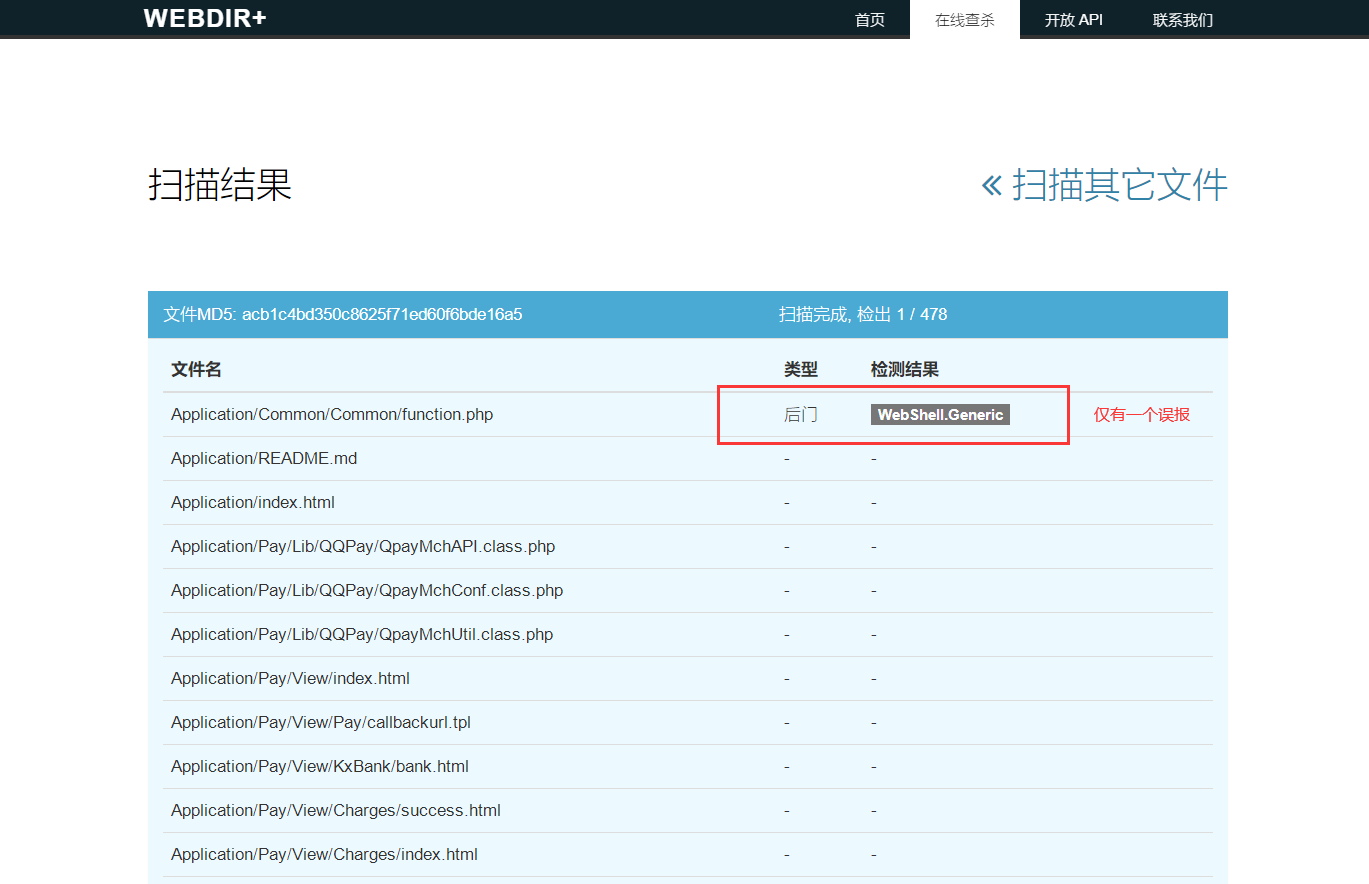
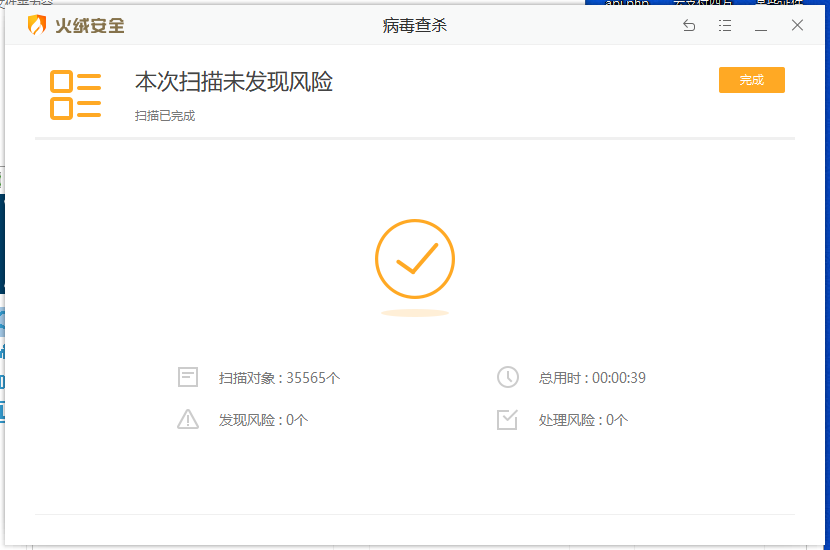
- XSS vulnerabilities have been repaired across the entire site, so you no longer have to worry about the system being hacked and XSS cross-site attacked by hackers, causing the system to be hacked and funds to be lost.
- The malicious order filling vulnerability has been repaired, and hackers will no longer inject SQL statements to maliciously fill orders, thus avoiding fund losses.
- The manual order filling method in the background has been changed. It used to be that the administrator client sends a form request to fill the order to the downstream after clicking the fill order. Now, since the downstream generally restricts the callback IP address, it is basically difficult to fill the order successfully manually. We changed it to the server iP curl sending the order filling request to the downstream. Order filling has become so easy!
- Data cleaning adds login record cleaning and withdrawal record cleaning (there were no two items before).
- The merchant list has added statistics on the total amount of successful orders from 00-24 o’clock on each channel that day, making it easy to clearly know the multiple channels a single merchant ran on the same day and how much each channel ran.
- When adding or editing a merchant, there is an additional payment submission IP whitelist to limit the IP addresses submitted when submitting requests to the payment interface (usually the merchant’s server IP address. If the merchant uses a form request, it will be the end customer’s IP address. It is not recommended to use a form request here, as it will expose order-related information, which is not very safe).
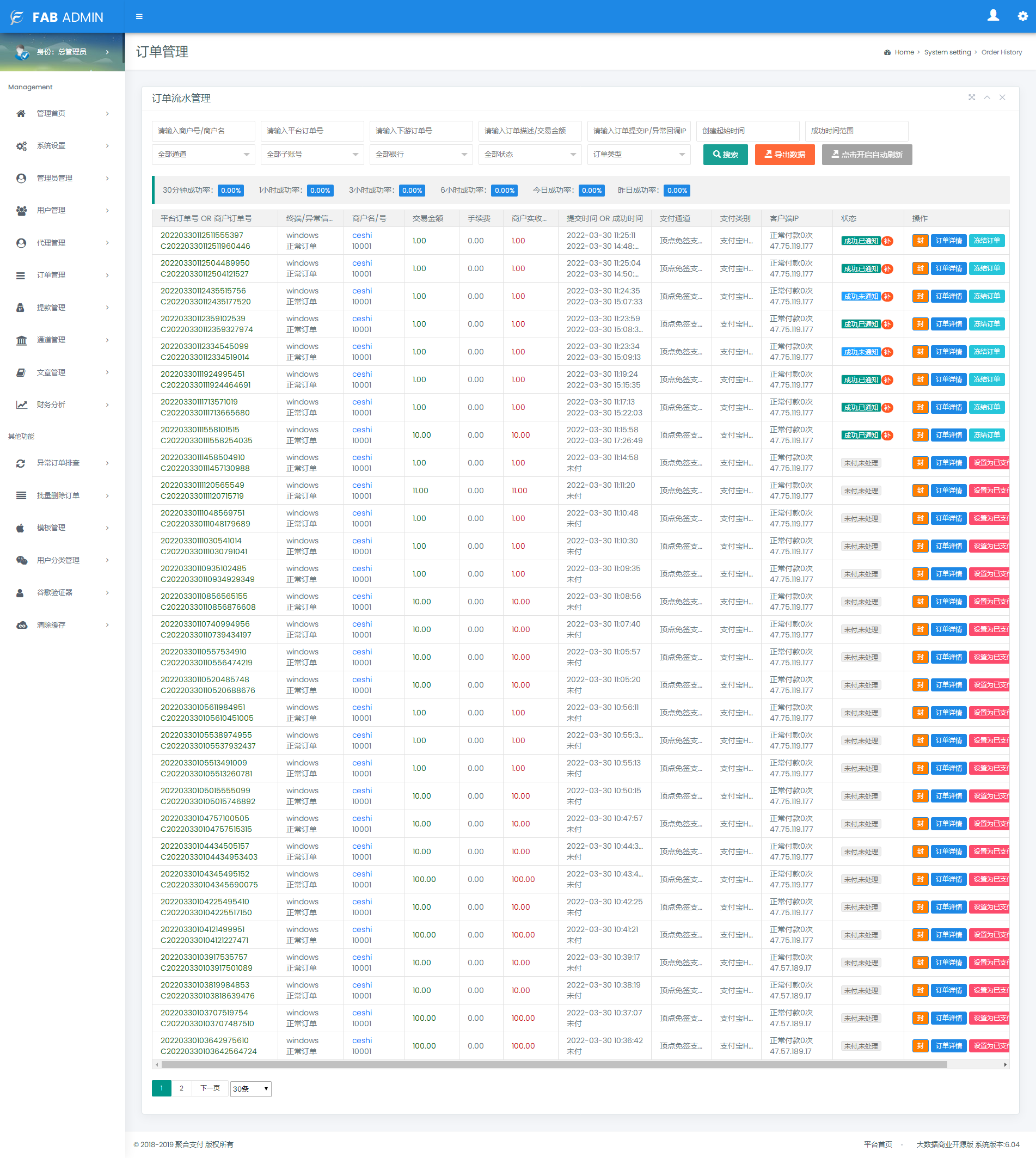
- The order list has been added to search for merchant names, and also added to display merchant names (previously, only merchant numbers could be searched).
- A new sub-account search has been added to the order list, which was not available before.
- The new success rate statistics in the order list (not available before) can be used to calculate the success rate statistics for 30 minutes, 60 minutes, 3 hours, 6 hours, today, yesterday, etc.
- The order list has added terminal device information, which can display requests submitted by Android, Windows, and iPhone devices.
- The client IP has been added to the order list. If the merchant submits a request through a form, the system will record and count the requester’s IP. From the last successful payment to the current time, a total of several orders have not been paid. If the number is greater than or equal to 5 times, the system will prompt in red text that the user may have submitted the order maliciously. Each time There is a sealing word behind each order. You only need to click to block the IP. No more orders can be opened. If you want to unblock the IP, please go to the deposit channel management to find the risk control management behind the corresponding channel and delete the IP (there may be more blocked IP addresses, and the IPs are separated by English commas).
Note: If the user does not submit using a form, the IP address will always be an IP address. Because implicit submission cannot obtain the end user’s IP, the merchant’s server IP will always be displayed. Do not accidentally block the merchant’s server IP, causing orders to be blocked.
- The order details will record the value returned by the merchant and the callback content sent by the upstream payment system after the order is successful, making it easy to check the error message during docking. When an order dispute occurs, you can check the callback content sent by the upstream to facilitate verification with the upstream and downstream.
- When the user withdraws cash, the unissued withdrawal order will display a one-click copy button. Click to copy the payee information (amount, name, card number, bank name, account bank address) of the issued order to the clipboard at one time, which is convenient for withdrawals and does not require repeated operations of copying and pasting each time.
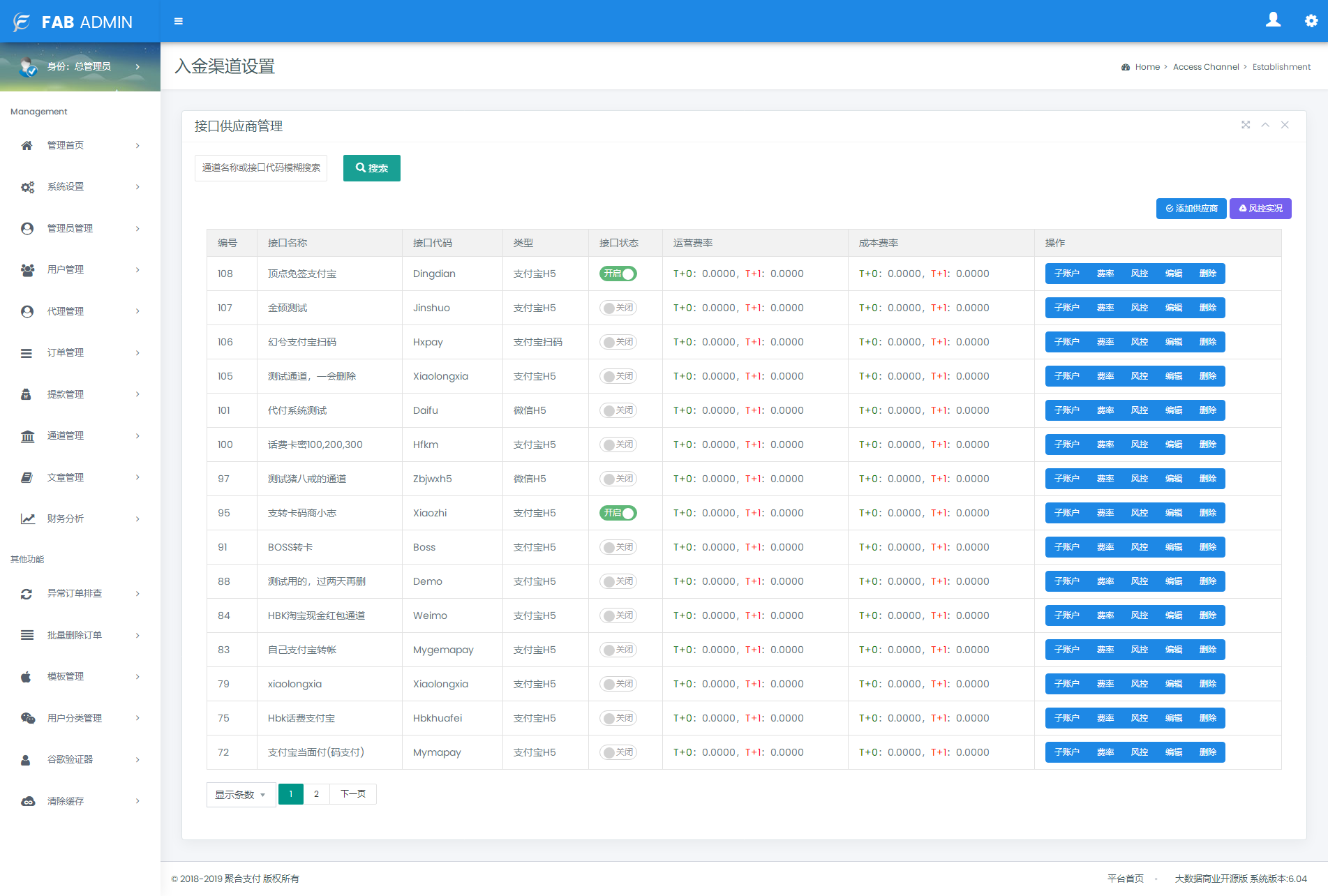
- In the deposit channel management, you can add the upstream callback IP address by editing the deposit channel. If you leave it blank, the callback IP will not be restricted. If the IP is filled in, the channel will only receive callback content sent from IP addresses in the whitelist. Callback results sent by IP addresses not in the whitelist will be rejected.
- A function to search for deposit channels has been added. If there are too many connected channels and it is difficult to find them, just use the search function.
- The floating amount switch and floating amount range settings have been added. The floating amount range can be set when editing the deposit channel.
- In the deposit channel management, a single deposit channel can be set to a fixed amount, and multiple amounts are separated by English commas, such as (100, 200, 300, 400, 500), etc. This function is generally used for phone bill channels. This function is still valid when the risk control switch of the channel is turned off. You can also set a single amount range, such as 100-5000, and the system will only allow the channel to receive numbers within this amount range.
- The overall performance of the system has been optimized. In the past, when a certain number of orders was reached every day, the system would become very slow in response. Now, after optimizing the SQL statements, database structure and other codes during actual use by customers, the overall response speed is good, suitable for large customers, and the system is very safe.
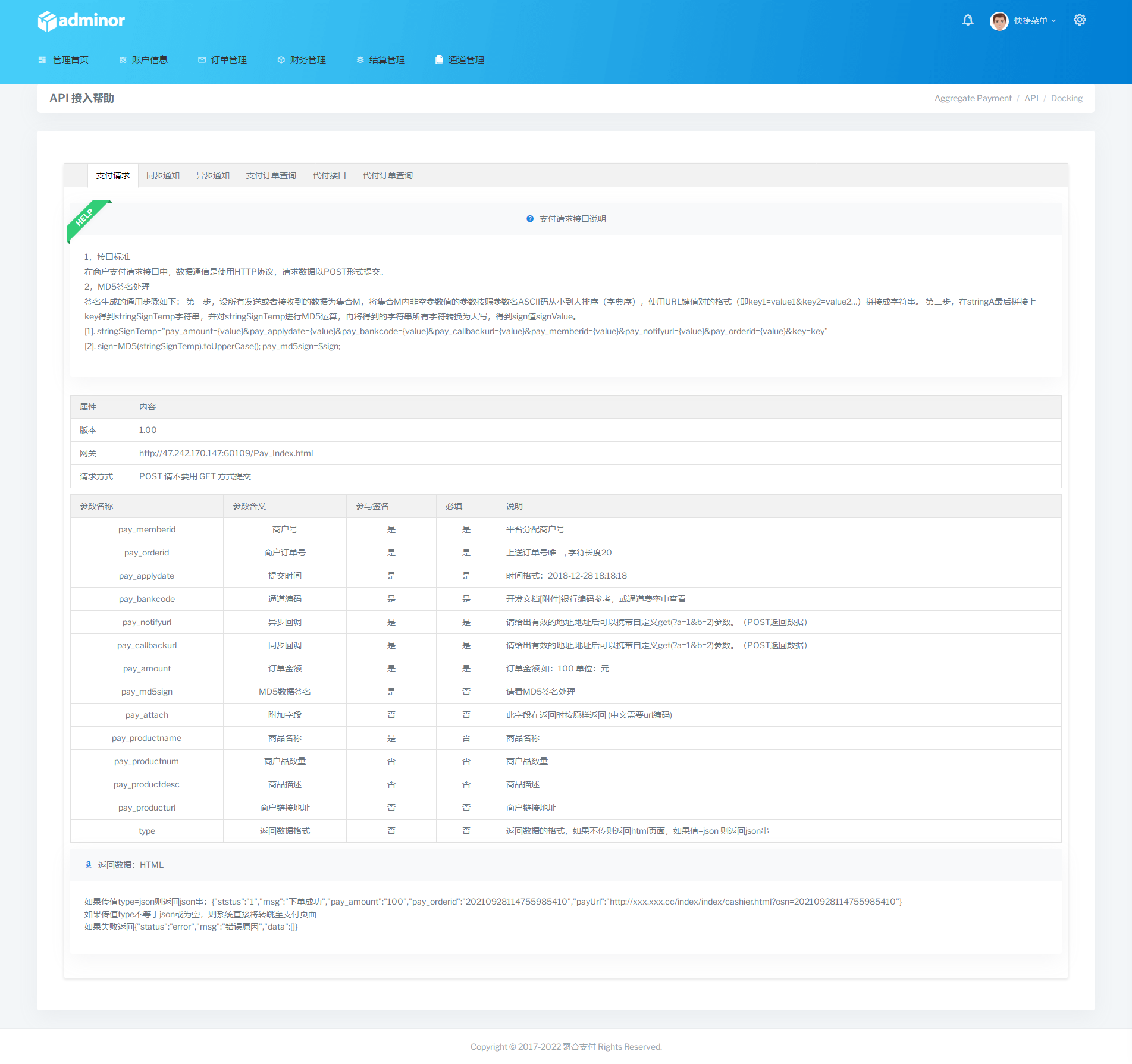
- The document has been optimized and the docking document has been rewritten. The current document is clearer and clearer. It used to be a document submitted by a form. Since the current market basically requires the return of a json string, the past method is no longer applicable. The document has been modified. When connecting to the upstream channel, technicians must follow a unified format.
- The merchant’s checkout counter used to display all channel information, which sometimes caused misleading to merchants. They always asked the administrator to use some unopened channels. Now the checkout counter only displays the channel information assigned to the merchant. The merchant cannot see the channels that are not assigned to the customer to avoid quarrels.
- The system demo has been updated. The demo case code now has more detailed templates for downstream customers to use, and the online documents have also been updated. Now there will be no problems like before that cause downstream technicians to always be unable to understand the documents, resulting in docking failure or long docking time.
- When technicians connect to the upstream channel, they can use class.php as the standard template for connection.
- 1
Tips: All programs on this site are collected from the Internet and uploaded by netizens. For study and research only, not for commercial use. Please delete it within 24 hours, otherwise this website will not be responsible for any legal disputes and joint liability arising therefrom.
This article only represents the author’s views and does not represent the position of this site. If your legitimate rights and interests are infringed, please contact us to delete the infringing resources! If you encounter an invalid resource link, please notify the administrator through comments or work orders! No reproduction is allowed without permission.
