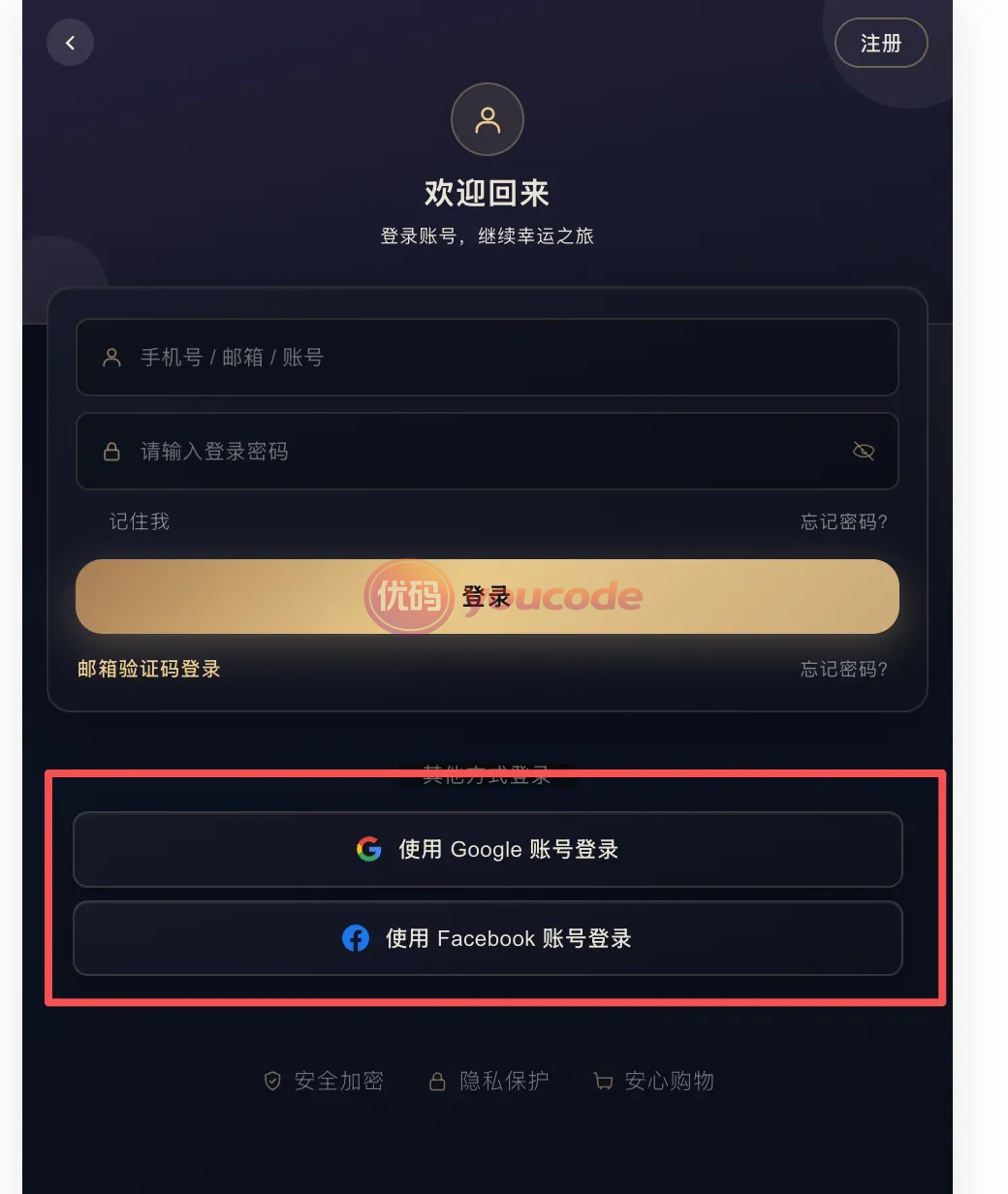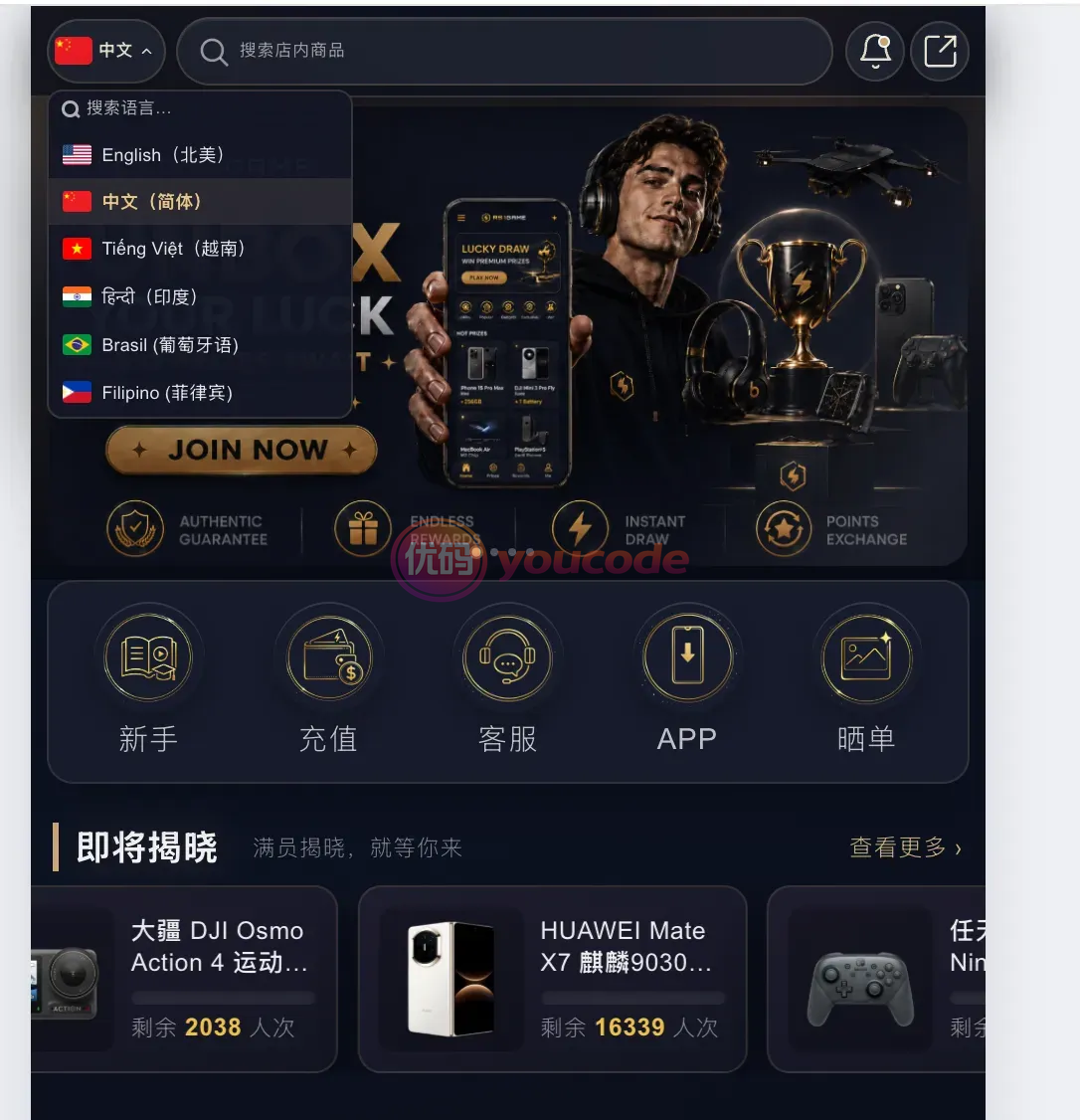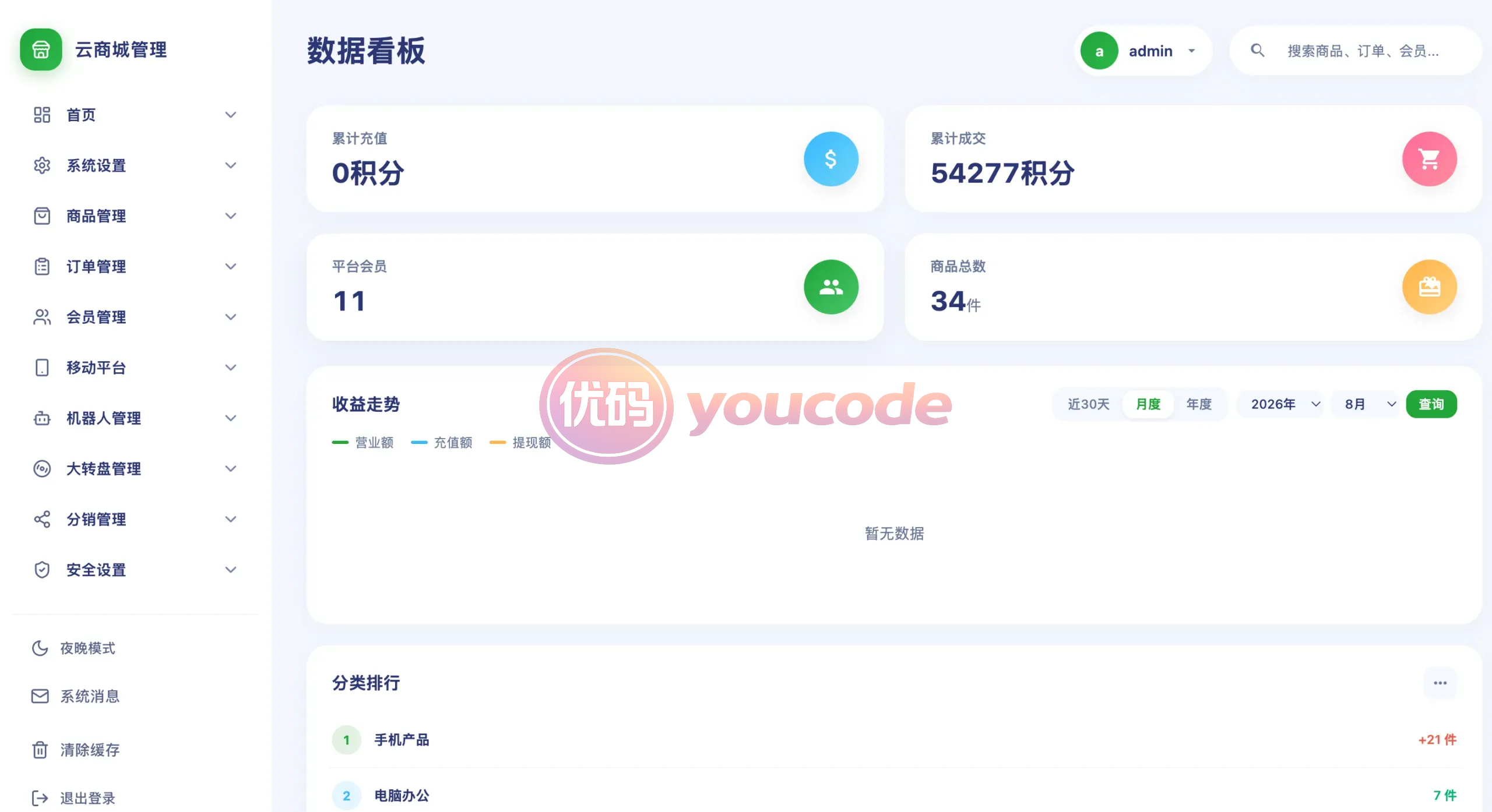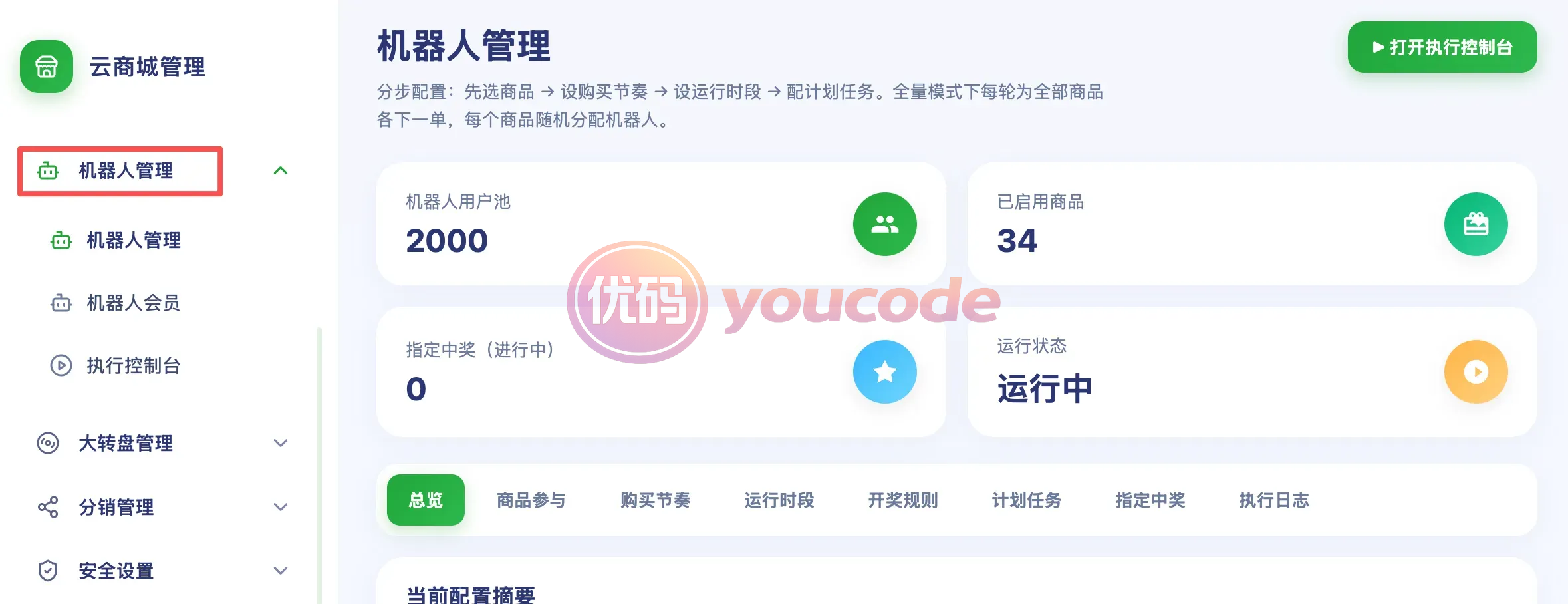

Multi-language support: Easily expand overseas markets, built-in 20+ mainstream languages, automatic switching, localized experience.
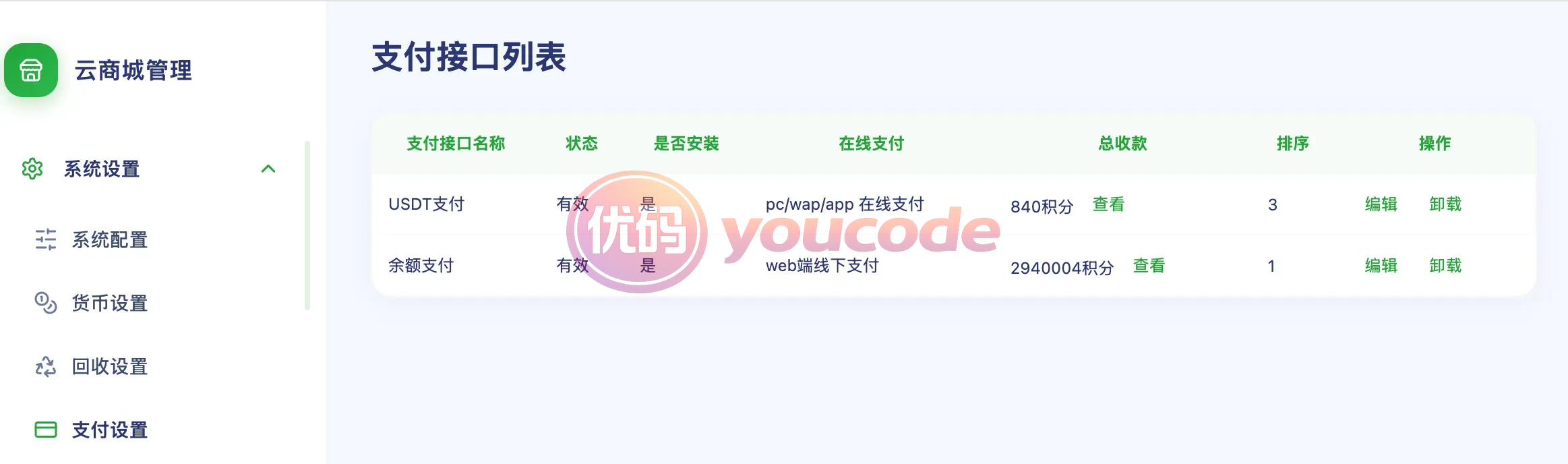
Payment integration: Supports mainstream payment methods such as PayPal, USDT, Alipay, and WeChat, making transactions safe and fast.
Deployment instructions (front-end Vue 3)
1. After installing Node.js, execute in this directory:
npm install
npm run dev local preview
npm run build Production packaging, the product is in dist/
2. Copy .env.development.example to .env.development
Local development can be set: VITE_PROXY_TARGET=http://your backend domain name
3. Copy .env.production.example to .env.production
Fill in the following when deploying in different domains:
VITE_API_BASE=https://your backend domain name
VITE_STATIC_BASE=https://your backend domain name
Same domain deployment can be left blank.
4. Deploy dist/ as the website root directory (Nginx try_files to index.html).
Deployment instructions (backend PHP)
1. When creating a new website for Pagoda, PHP 7.4 is recommended, and the running directory points to this directory.
2. Install the ionCube extension for Pagoda PHP: Software Store → PHP 7.4 → Settings → Install extension → ionCube Loader (the site cannot run without installation).
3. Create a new MySQL database and modify the database name, account, and password in public/db_config.php.
4. If using Redis, modify CACHE_PASSWORD in system/dist_cfg.php.
5. Modify public/vue_api_config.php and add the Vue frontend domain name to the cross-domain whitelist.
6. Directories can be written: public/runtime, public/session, public/attachment, public/logs
7. Backend entrance:/admin.php Interface:/mapi/index.php
8. Scheduled tasks (on demand): cron.php, lottery_tick.php, robot_tick.php
Please fill in your email, payment, OAuth and other keys yourself, and do not use other people’s account configuration.