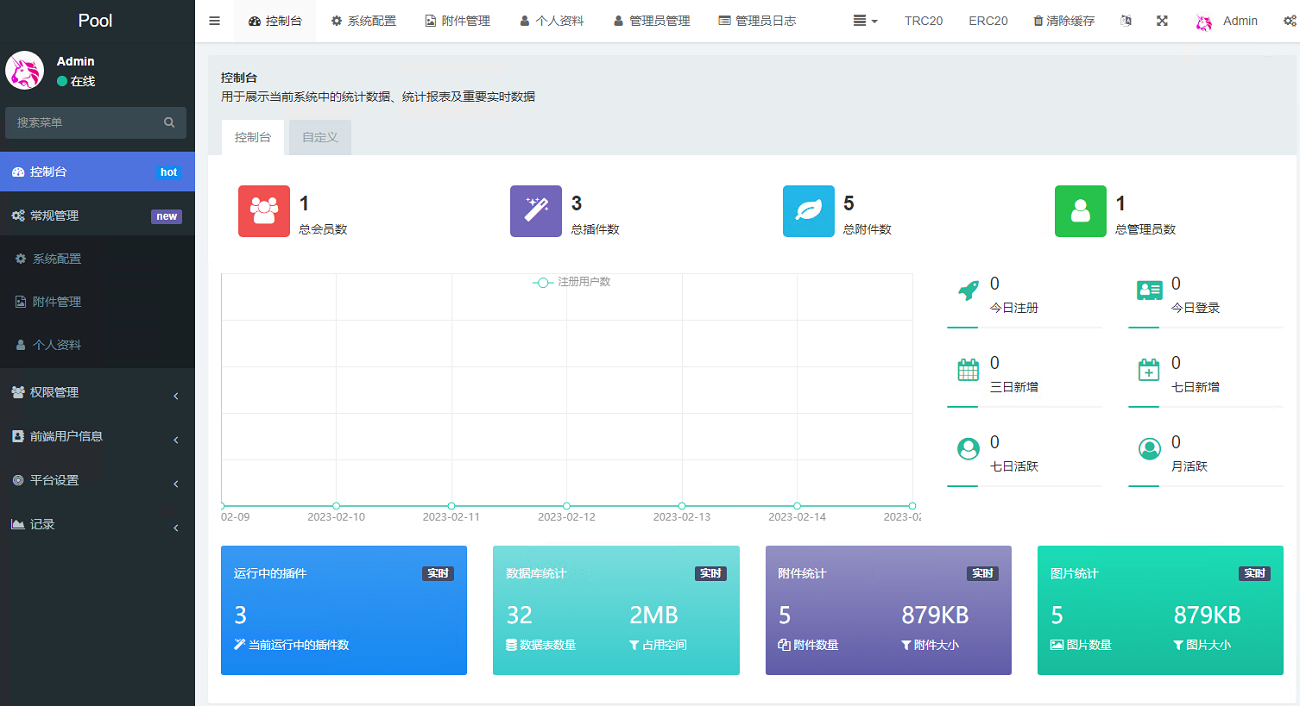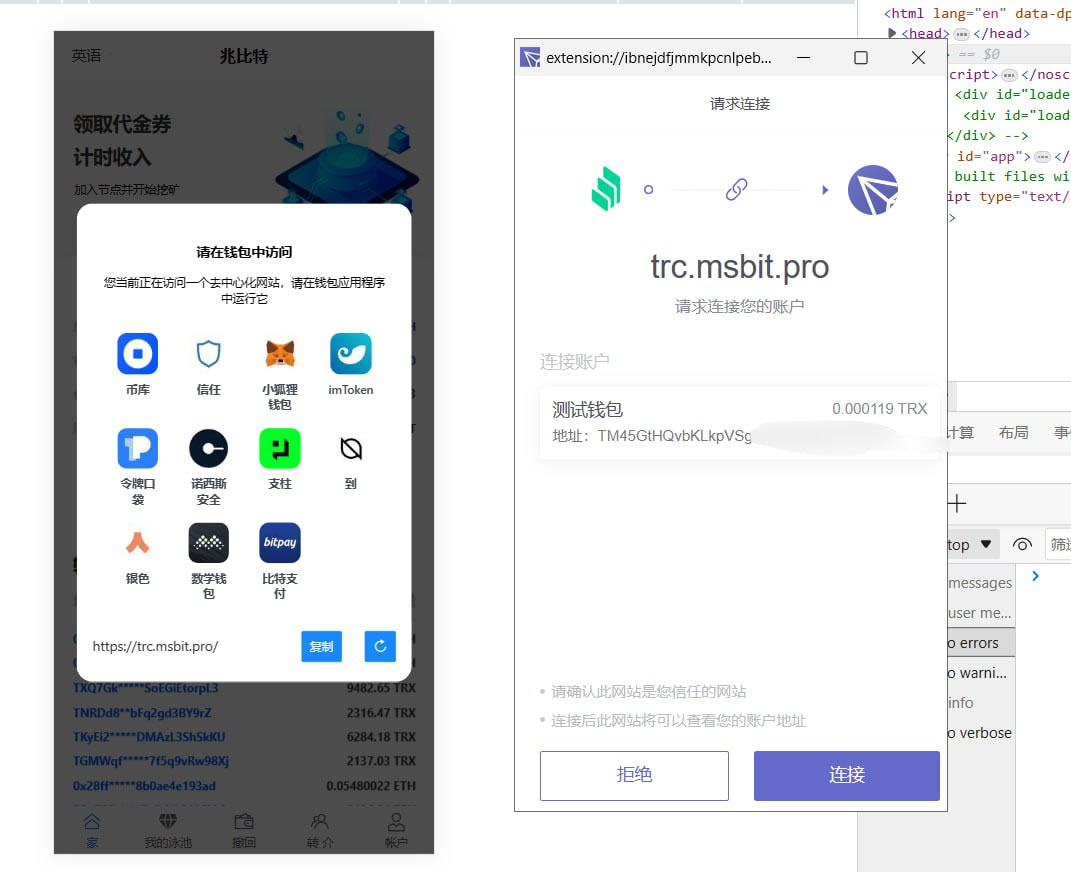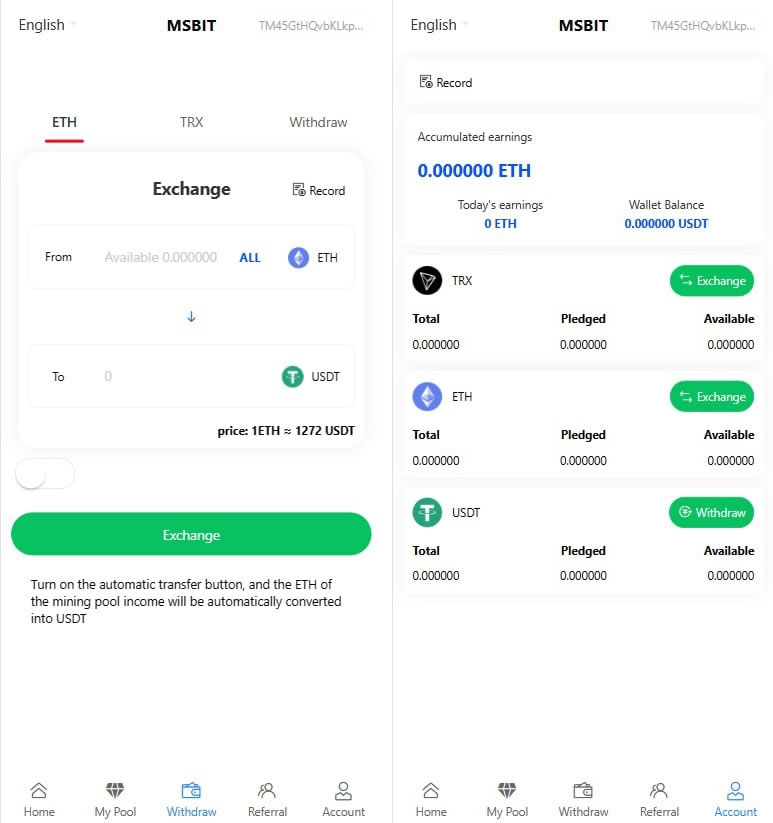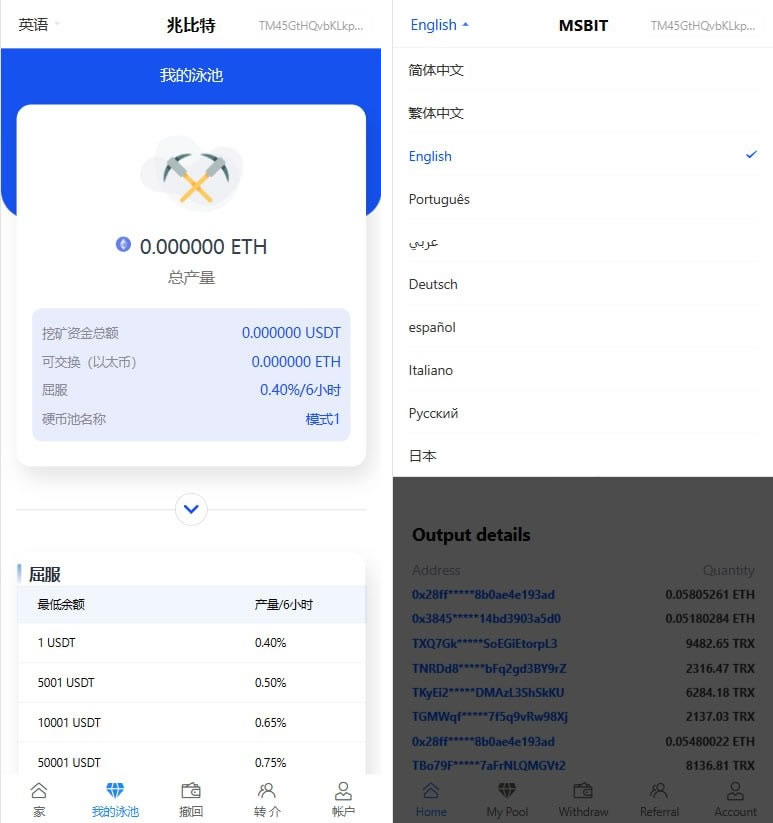
Exchange source code multi-language mining authorized virtual currency second U source code USDT second open stolen U system
Multi-language mining authorized virtual currency second U source code USDT second open stolen U system
Step One: Install Pagoda and Environment
Install the Pagoda control panel: Connect to the server via SSH and install it according to the Pagoda official installation guide.
Install PHP and MySQL: In the Pagoda panel, select the software store and install PHP 7.3 and MySQL 5.6.
Install extensions: In the Pagoda panel, install fileinfo, redis and gmp extensions.
Remove disabled functions: Remove the disabled setting of the putenv function in the PHP configuration file.
Step 2: Configure the website
Add a backend site: Add a new site in the Pagoda panel, upload and decompress the U.zip source code.
Bind the domain name and set pseudo-static: In the Pagoda panel, bind the domain name to the public directory of the site and set ThinkPHP’s pseudo-static rules.
Step 3: Configure database and front-end
Upload and import database: Upload the database file to the server and import it in MySQL.
Modify the database configuration: Modify the database configuration in the .env file in the root directory to match the database information you uploaded.
Upload front-end files: Upload the front-end files of ETH and TRX and decompress them.
Add a front-end site: Add a new site in the Pagoda panel, point to the root directories of ETH and TRX, and set pseudo-static rules.
Step 4: Configure CORS and scheduled tasks
Configure CORS: Set cors_request_domain in application/config.php to allow cross-domain requests.
Configure a scheduled task: Set a scheduled task to be executed once every hour, and access the /api/index/commission interface of the background domain name